 ConnectOnion
A memory with a night cycle
Wake up with the context you need.
Your first run investigates every eligible person, mapped project, related organization and installed skill in its 180-day source window, then deepens people with up to two years of older mail. After you approve a schedule, co rem keeps that context current overnight.
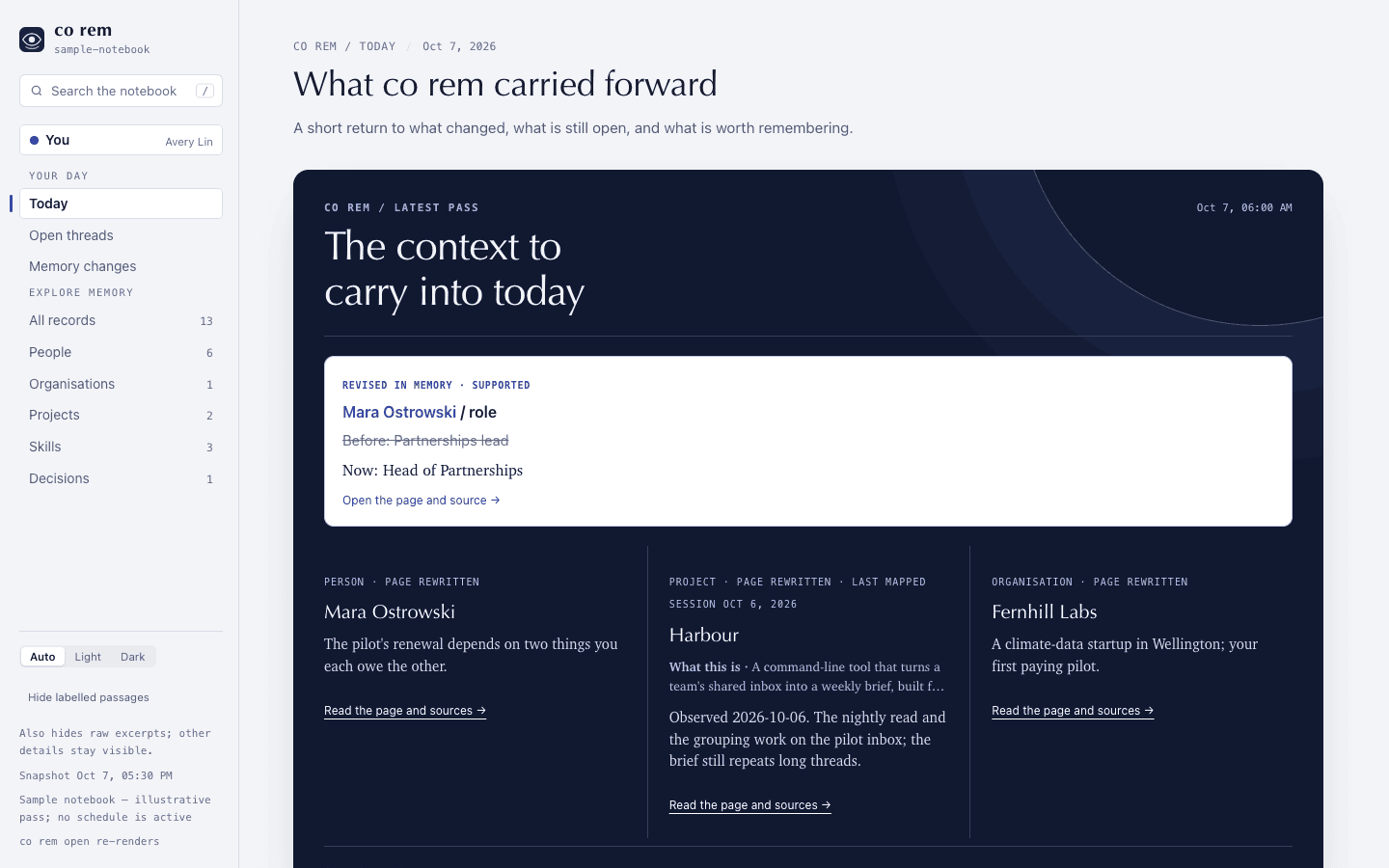
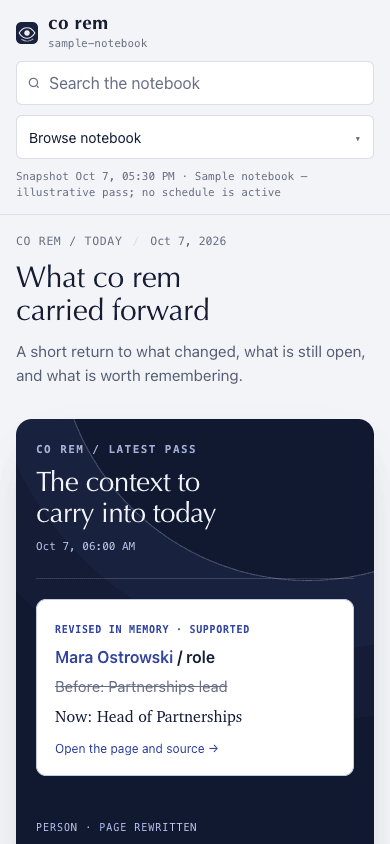
A reader frame from stable 1.9.0. Names and sources in the image are invented for review.
Open the full-size sample reader →The loop
Memory should move with you.
co rem is designed around the return to work, when context is useful again.
- 01 / During the night
Keep the thread.
A scheduled pass reads the sources you approved and updates local pages for people and projects.
- 02 / In the morning
See what carried forward.
The reader separates cited fact changes from page rewrites, then shows what needs your answer and what remains connected.
- 03 / When it matters
Try to remember.
An older page becomes a question. Pause before revealing the answer co rem already wrote.
What you can trust
A memory has to show its basis.
A morning card links back to its page and sources. The reader labels direct links, cited mentions and backlinks differently. A name mention helps navigation; it is not a verified relationship.
Before a page is saved, every quotation on it must match its cited source word for word, and a second model audits its cited claims. What fails goes back to the writer twice; then only the refuted sentences are removed. A phone or email stays only when the mail shows it is the person's own; otherwise it says Unknown.
Completed nightly passes can compare cited Facts and Contact fields before and after the run. Other prose changes remain page-level, and older run logs have no field comparison. A rewritten page alone is not a new fact, and revealing an older answer does not measure retention. These limits are tracked in the product audit.
Start with your own notebook
Try co rem on your machine.
The reader is a local snapshot. Ordinary installs now receive stable 1.9.2.
co rem init investigates approved sources with your configured model. Written project pages lead with supported findings and link to their evidence. The CLI guide explains source controls, progress and nightly limits, and co rem status.
python -m pip install --upgrade connectonion
co rem init
co rem open
Connect a mailbox first with co auth google or co auth microsoft. On macOS, co rem start shows sources and asks before scheduling. On Linux and Windows, run co rem sync manually when you want an update; background scheduling is macOS-only.
Sources, storage, and release limits
Sources and storage
co rem can use connected Gmail and Outlook mail and local Codex and Claude Code
sessions. WhatsApp chats are optional and selected by chat. The notebook lives
on your machine under ~/.co/rem; its readable pages are Markdown, and raw
source material stays in the notebook's private state. Pages link to source
records so you can inspect why co rem wrote a claim. The CLI reference describes
the exact source, review, and budget controls.
Stable channel
The default pip install connectonion channel is stable 1.9.1 and includes
co rem. Read release channels and the
1.9.1 notes for the tested scope and remaining limits.